
Which ECU do I have? Finding the part number and software version
Label, diagnostics, vehicle documents: how to find your ECU's part number and software version, and why it matters before any tune.
October 26, 2026 by Leo Efimow
"Which ECU is in my car?" is one of the most common questions before a tuning appointment. The honest answer is often: model and engine alone don't always tell you for sure. The same engine was shipped with different control units over its production run, sometimes even from different suppliers. And even once the ECU is known, the software version decides how it gets worked on. This article shows you where to find the information you need, which numbers really matter and what you can send us before your appointment.
Why model and engine aren't enough
For control units, a vehicle model is not a precise answer. Three situations are typical:
- Changes during production: With a facelift or a new emissions standard, the same engine often gets a new ECU generation. The Renault 1.5 dCi, for example, was fitted with Delphi, Siemens/Continental and Bosch units over the years.
- Different variants of the same family: A name like "EDC17" covers many sub-variants with their own hardware and their own access route.
- Different software versions: Even identical units carry different software depending on delivery date and workshop updates.
For you this means: the more precise the information before the appointment, the more reliably we can say which access route is needed, what the job costs and how long it takes.
Three ways to get the right information
There are essentially three sources, and they complement each other.
| Source | What you learn | Effort |
|---|---|---|
| Vehicle documents and VIN | Model, year, power, manufacturer and type codes | low |
| Label on the ECU | Supplier, hardware/part number, often the type designation | medium, the ECU must be accessible |
| OBD diagnostics | Part number, software and hardware version, further IDs depending on the tool | low with a suitable tool |
Vehicle documents and VIN
The registration document lists manufacturer, type, power and first registration. Most important is the Vehicle Identification Number (VIN). With many manufacturers it can be used to trace the specification down to the engine code. Depending on the brand, the engine code itself is on a sticker in the service book, in the boot or on the engine block.
The documents tell you which car you have, but not necessarily which ECU is fitted. They are the starting point, not a substitute for the other two routes.
The label on the ECU
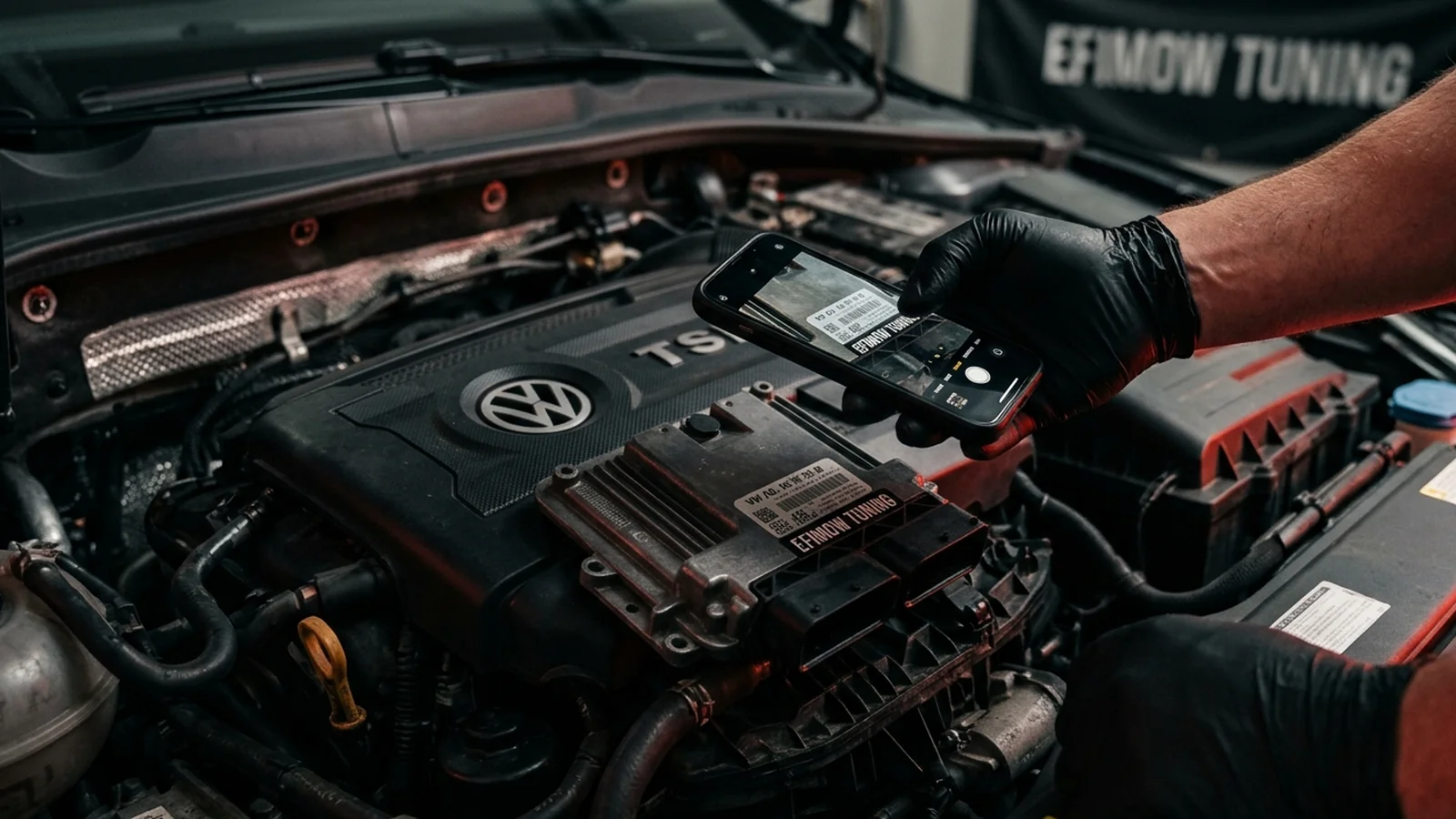
The housing of the engine control unit carries a supplier label. It usually shows several numbers side by side:
- the supplier part number: with Bosch, for example, a ten-digit number starting with 0 261 (petrol) or 0 281 (diesel),
- the vehicle manufacturer's part number (OE number), i.e. the number VW, BMW, Mercedes and others use for the part,
- often the type designation such as EDC17C46, MED17.5.25, SID807 or DCM3.5,
- depending on the supplier, a software or revision number plus barcode and serial number.
Where the ECU sits depends on the vehicle: in the engine bay behind a cover, in the scuttle below the windscreen, in the footwell or in an electronics box. On some cars it's visible without tools, on others only after removing trim panels. If you're not sure how to get to the ECU, leave it. A diagnostic printout is the better route then.
How to read Bosch numbers is explained in Reading Bosch numbers: 0 261, 0 281 & co..
OBD diagnostics
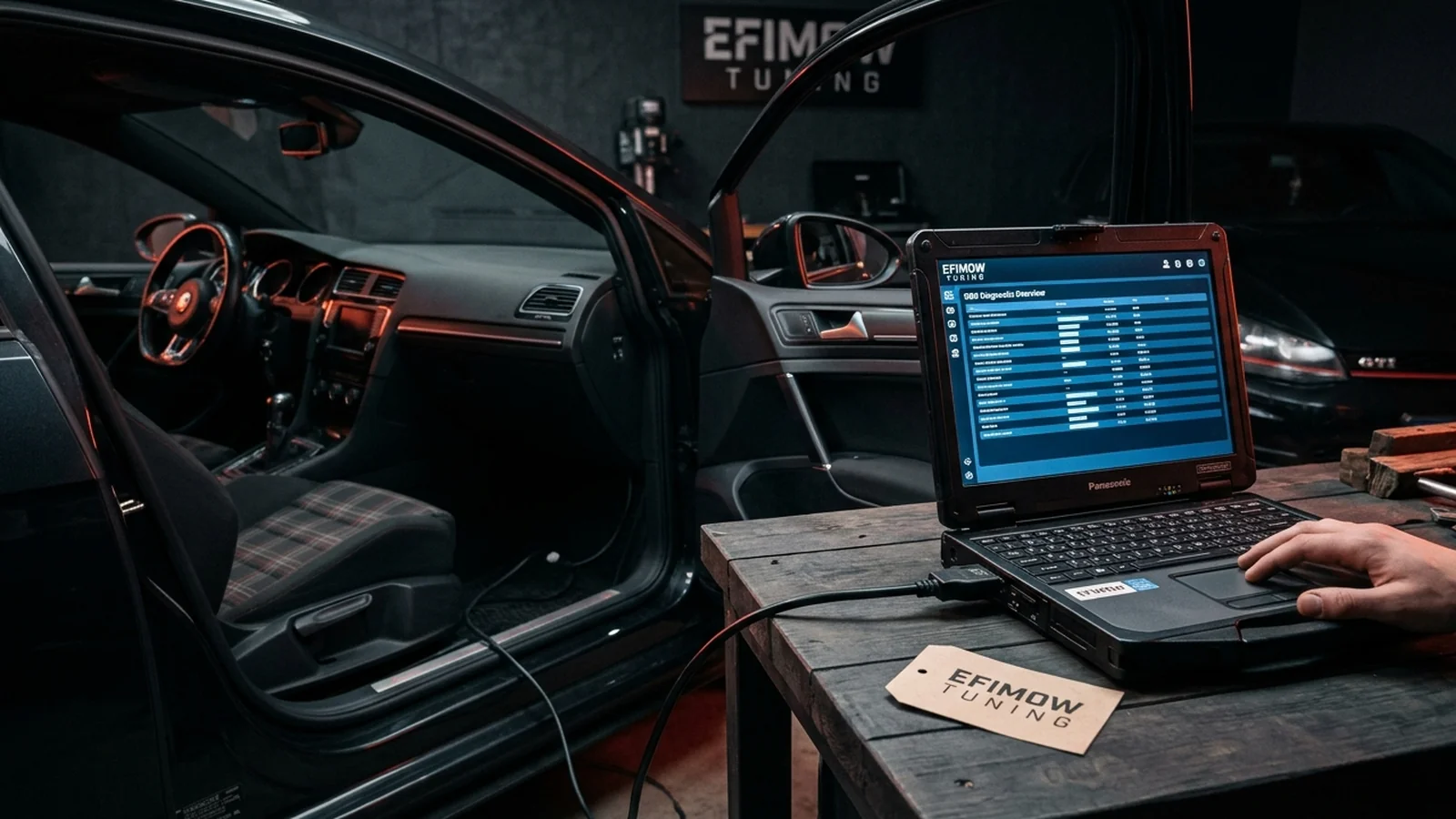
The most convenient source is the diagnostic port. A scan tool or a good OBD app usually shows the part number plus hardware and software version of the engine control unit. Manufacturer-specific tools typically show more detail than basic OBD readers.
The big advantage: diagnostics show the currently installed software version. The label describes the state at delivery. If the ECU was updated at a workshop later, the label still shows the old version.
Part number, hardware, software: what's what?
These terms often get mixed up, but they mean different things:
- Hardware is the device itself: circuit board, processor, memory, housing. It determines which access route is possible in principle.
- Software is the program and data running inside the ECU. It is backed up when reading and adapted when tuning.
- Software version is the specific release of that software. Two ECUs with identical hardware can carry different software versions, with different map layouts, different protection mechanisms and different tool support.
- Part number is the order number under which supplier and vehicle brand list the unit. If the factory software changes, some brands change the whole part number, others only an index at the end.
Why the software version carries so much weight is covered in detail in Same car, different software.
What you can send us before the appointment
For non-BMW vehicles that we work on on site in Stödtlen or by mail-in, it helps to have in advance:
- Vehicle data: make, model, year, power, engine code, or a photo of the registration document with personal details covered.
- Photo of the ECU label: sharp, straight, every line readable. Two photos are better than one with glare.
- Diagnostic printout, if available: part number and software version of the engine control unit.
- Known history: previous tuning software, workshop updates, replaced ECU.
With this information we can clarify in most cases which access route is needed and whether the unit has to be removed for the appointment. The configurator shows the price for your vehicle. It depends on the ECU generation.
BMW works differently: you order online, read your ECU yourself via OBD and also flash the finished file yourself. The ECU and its software version are identified as part of the read.
Typical pitfalls
Used ECU fitted: If the control unit was replaced at some point, it doesn't necessarily match the original specification in the documents. Label and diagnostics are then more reliable than any database.
Label damaged or covered: On older vehicles the label is sometimes faded. Diagnostics then remain the most important route.
Only one number noted: "0 281…" alone tells you it's a Bosch diesel unit, but not which one. Send the whole label.
Transmission control unit forgotten: Automatic and dual-clutch gearboxes have their own control unit with their own software. If a gearbox calibration is an option, its data helps too.
Common questions from the workshop
Can I just remove the ECU for a photo? We advise against it if you've never done it before. Connectors can break, and some vehicles react badly to being disconnected with the ignition on. A diagnostic printout is usually easier. If you're removing the ECU for mail-in anyway, see Removing and shipping your ECU.
Is the information from an online database enough? As a first orientation, yes. But databases map models, not your specific car. The label or the diagnostic readout is always more reliable.
Why do you ask for the software version if you read the unit anyway? Because the software version shows before the appointment whether access works as usual or whether more effort is needed. That way we avoid surprises on the day.
Conclusion
Knowing the right ECU isn't an end in itself. It determines access route, effort and price. Vehicle documents point the direction, the label names supplier and part number, diagnostics show the current software version. If you send us a good photo of the label or a diagnostic printout in advance, you save both of us follow-up questions. For the basics, read What is an ECU?.