
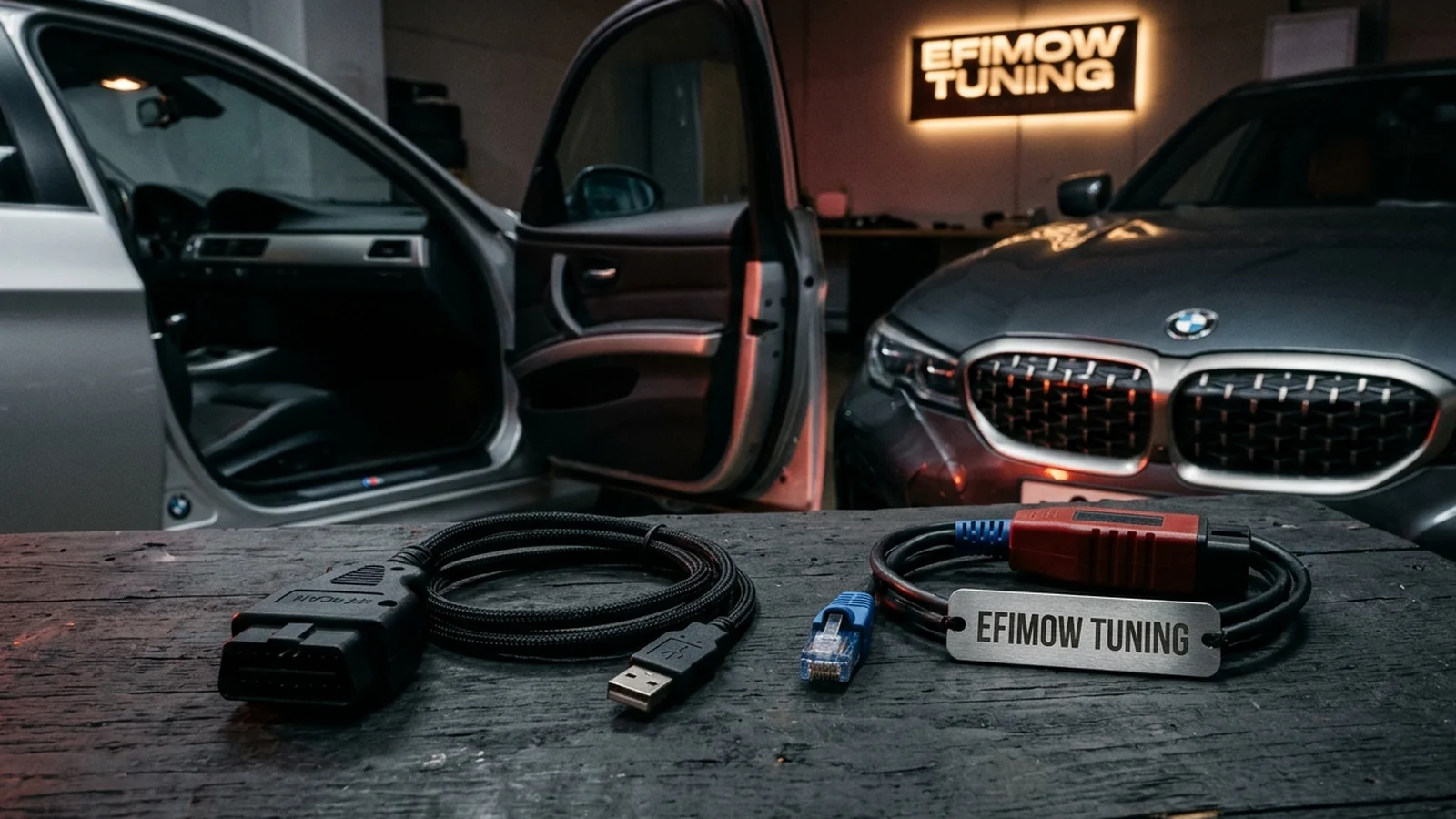
ENET or K+DCAN: Which Cable for Which BMW?
E-series needs K+DCAN, F- and G-series need ENET. What separates the two diagnostic cables, how to identify your model series and what to look for when buying.
October 26, 2026 by Leo Efimow
If you read and flash your BMW yourself, you face a simple question right at the start: which cable do I need? With BMW the answer is pleasingly clear, as long as you place your own model series correctly. E-series cars are accessed with a K+DCAN cable, F- and G-series cars with an ENET cable. This post explains what is behind the two cables, how to tell reliably which one your car needs and what to look for when buying.
Two vehicle generations, two ways in
The OBD socket has looked the same on every BMW since the late 1990s. What happens behind it, however, changed with the vehicle architecture.
On the E-series, diagnostics run over classic vehicle buses: on older models via the so-called K-line, on newer E models via D-CAN, meaning CAN bus at the diagnostic socket. The K+DCAN cable covers both and connects to the laptop via USB.
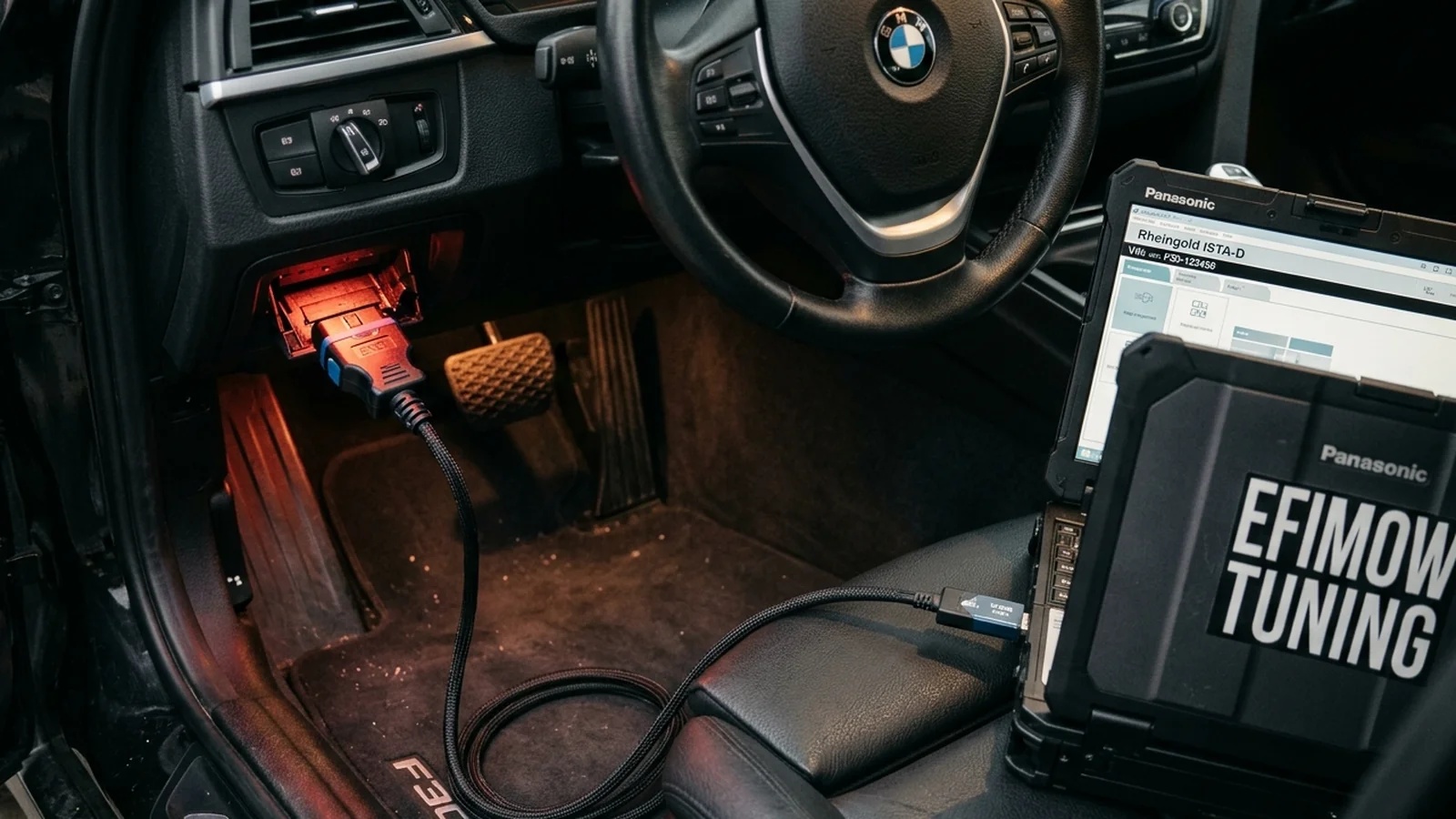
With the F-series, BMW added an Ethernet connection to the OBD socket. The ENET cable connects this socket directly to the laptop's network port. The G-series builds on the same foundation; here too, ENET is the way to read and flash via OBD.
The practical difference: speed
For you as a user, the most important difference is speed. Ethernet is many times faster than the CAN connection at the diagnostic socket. That is no accident: modern ECUs contain far more software than those of the E-series, and over the old connection reading and writing would take impractically long.
That has a practical consequence for E models: procedures over K+DCAN take noticeably longer. All the more important is a stable power supply there, because the longer the process, the more the battery is loaded. More on this in Voltage while flashing.
Which model series do you have?
What counts is the model series, not the year alone. This is the most common mix-up: some E models were still built long after F models were on the market. A Z4 of the E89 series, for example, was produced until 2016 and still needs K+DCAN. The 7 Series F01, on the other hand, arrived as early as 2008 and is an ENET car.
| Series | Examples | Cable |
|---|---|---|
| E-series | 1 Series E8x, 3 Series E9x, 5 Series E6x, X1 E84, X5 E70, X6 E71, Z4 E89 | K+DCAN |
| F-series | 1 Series F2x, 3 Series F3x, 5 Series F10/F11, 7 Series F01/F02, X3 F25, X5 F15 | ENET |
| G-series | 3 Series G20/G21, 5 Series G30/G31, X3 G01, X5 G05, Z4 G29, Toyota Supra A90 | ENET |
The series is not always printed directly on the registration document, but it can be determined reliably via the VIN, the service booklet or at the dealer. In the configurator you select your car by series anyway, which also answers the cable question. Every product page also states under "What you need to flash" which diagnostic cable belongs to which series, for example for the BMW 335i (E9x) or the BMW M340i (G20/G21).
K+DCAN: what to look out for
K+DCAN cables come in very different quality. For flashing:
- An INPA/ISTA-compatible USB cable with an FTDI chip is the common, proven version. Cheap copies with other chips cause driver problems more often or abort during long procedures.
- Install the drivers cleanly. The cable appears on the laptop as a serial port. Without the right driver, the flash tool will not find the cable.
- Older E models: many K+DCAN cables have a switch for cars that still communicate over the K-line. On newer E models it stays in its default position. Follow the instructions of your cable and your tool.
- Special cases: some ECUs and transmission control units need a special K-DCAN cable. Whether that applies to you is stated in the flash guide in the customer portal, which names the required cable for each ECU.
ENET: what to look out for
ENET cables are technically simpler but have their own pitfalls:
- The laptop needs a network port. Many current laptops no longer have a LAN socket. Then you need a USB network adapter. A decent adapter matters more here than a particularly expensive cable.
- An ISTA-compatible OBD Ethernet cable is enough. In principle any properly made cable of this kind works.
- Wi-Fi is no substitute. The connection to the car runs over the cable. You only need Wi-Fi for the internet connection, for example to upload your file.
- Avoid loose contacts. A plug that sits loosely in the OBD socket or gets pulled when the laptop moves is a typical cause of aborts.
Laptop and virtual machine
Our product pages list a Windows 10/11 laptop as a requirement, native or as a virtual machine. If you work with a virtual machine, for example on a Mac, make sure the cable is passed through cleanly to the virtual machine: the USB port for K+DCAN, the network adapter for ENET. It works, but it is an additional source of errors. If you have the choice, a Windows laptop without detours is the more robust solution.
Your own cable or order it with us?
Both work. If you already have a cable that works reliably with your flasher tool, you can keep using it. If not, you can order the matching cable with your order, together with the flasher tool if you do not have one. According to our cable descriptions, shipping takes about 5 to 10 days for ENET and standard K+DCAN cables and up to 20 days for the special K-DCAN cable. Plan for that if you have a specific date in mind. The rest of the process is described in the post about the customer portal.
When the tool cannot find the car
The most common call for help before the first read is: "The software cannot find my car." It almost always comes down to one of a few causes:
- Wrong cable for the series. An ENET cable on an E model or a K+DCAN cable on an F model does not work, even though the plug fits.
- Ignition not switched on. Many ECUs only respond with the ignition on. Your tool specifies which state is required.
- Driver or network adapter. With K+DCAN the driver is often missing; with ENET the wrong or a disabled network adapter is selected.
- Other programs accessing it. If diagnostic or coding software is running in parallel, it can block the connection. Close everything else before flashing.
- Loose contact. If the plug is not seated firmly, the connection drops as soon as someone gets into the car.
If you have checked all points and it still does not work, ask instead of trying different cables and settings at random.
Legal framework
The cable is just the tool. Flashing modified engine software voids your car's type approval, and our calibrations are intended exclusively for motorsport. More in the motorsport notice.
Conclusion
With BMW, the cable question is a question of model series: E-series means K+DCAN, F- and G-series mean ENET. Know your series, use a decent cable, have a reliable network port for ENET and install the drivers cleanly for K+DCAN, and you have already ruled out the most common connection problems. The glossary entry ENET sums up the term as well.