
The Original File: Why Backup and Restoring Matter So Much
Your ECU's original software is the most important backup in any tune. What to save, how to store it and what you will need it for.
October 25, 2026 by Leo Efimow
Before anything on your ECU is changed, there is one step that looks unspectacular and is still the most important of the whole tune: reading out and saving the original software. This file is the state your car left the factory with, or at least the state of the last dealer programming. It is the basis for every calibration, and it is your way back if you ever want to return to stock. Anyone who is careless here usually notices only when it is too late.
What the original file actually is
An engine ECU contains several memory areas. Roughly, there is the program (the actual software, the logic), the calibration data (the maps, limits and parameters for your engine) and often an EEPROM with vehicle-specific data such as immobiliser pairing, adaptation values or serial numbers. Tuning almost always changes only the calibration area. The software logic stays as it is. What changes are the numbers it calculates with.
The original file is the image of these areas before the first change. How complete that image is depends on the access route. Over OBD, a flasher tool reads either the complete flash or only the calibration area, depending on the ECU. On some ECUs only a part is read and the rest is filled in from a database. This is called a virtual read. In boot mode or on the bench, the entire memory including EEPROM can often be saved. That is the most complete form of backup.
What you need the original file for
The reasons are practical, not theoretical:
- Basis of the calibration. Every serious tuning file is built on the read-out state of your ECU. Software versions differ, even with the same engine. Flashing someone else's file risks malfunctions.
- Return to stock. If you want to sell the car, take it to a dealer or simply go back to stock, you flash the original file again.
- Troubleshooting. If a problem appears after tuning, the original software helps narrow down the cause: if the fault stays with stock software, it is not the calibration.
- Emergency. If a write process is interrupted because the battery voltage drops or the cable slips, the saved file is the basis for restoring the ECU.
The last point is underestimated. An interrupted flash is rare, but it happens. With the original file, it is a solvable problem in most cases. Without it, things get considerably harder.
How to save it properly
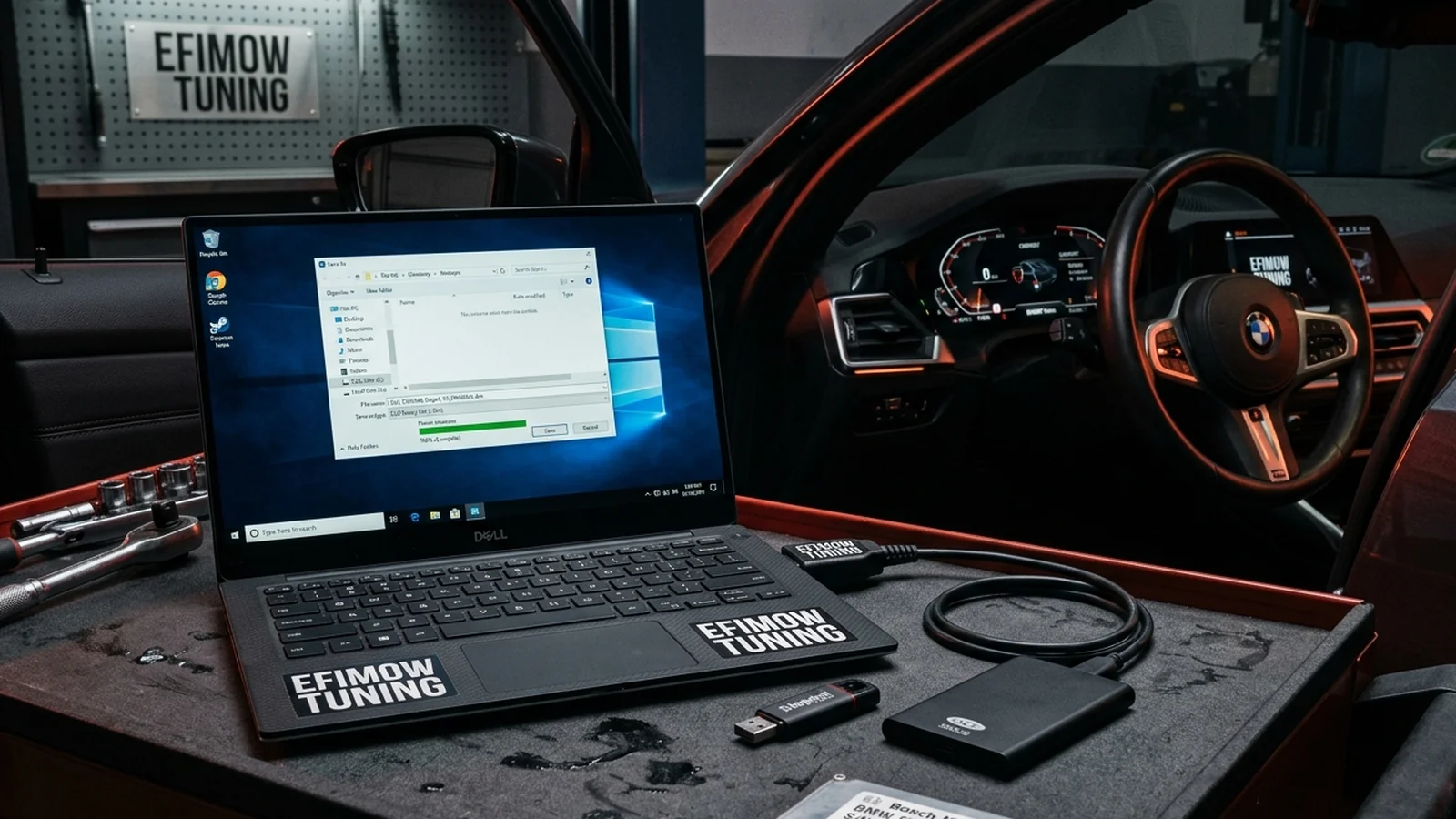
In the BMW process via our customer portal, you read the software yourself: with your flasher tool, for example MHD, BM3, Bimmer-Flasher, MS4X, KESS/KTAG or Autotuner, or with the flasher you order from us. You need a Windows 10/11 laptop, a matching OBD cable, a charged car battery and a stable internet connection. The battery is not a detail: many control units are active while reading and writing, and a weak battery is one of the most common causes of interruptions. A charger or power supply on the car is a good idea.
After reading, a few simple rules apply:
- Do not modify the file. The original is not renamed, not opened and re-saved, and certainly not edited in a hex editor. You make copies; the original stays untouched.
- Name it clearly. A file name like "Vehicle_EngineCode_ECU_Date_ORIGINAL" saves guesswork later. If your tool shows a VIN or software version, note it as well.
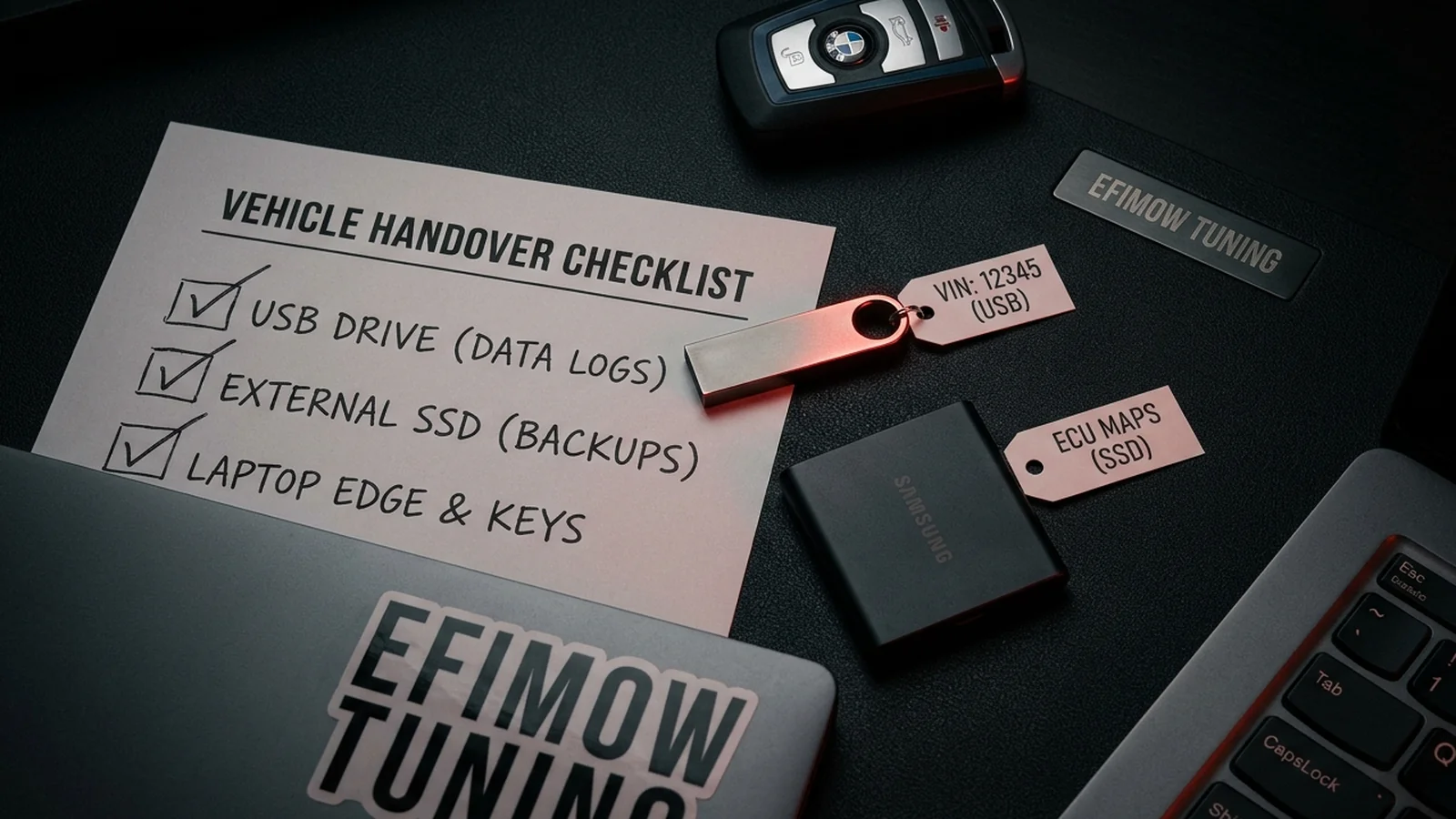
- Store it several times. At least two copies in separate places: laptop plus USB stick, or local plus cloud storage. A single laptop is not a backup.
- Add a full backup if you have one. If a complete backup exists (for example from a boot mode read), it belongs in the collection too.
In the customer portal you then upload the file. There are two fields: one for the file you read via OBD ("Tuning / partial read / virtual read") and an optional one for a complete backup. Uploading does not replace your own backup. It is an additional copy, not a storage place you should rely on alone.
Don't forget the gearbox ECU
If a gearbox calibration is part of the tune, everything above applies twice: the transmission control unit has its own original file, and it must be saved just as carefully. The customer portal has a separate, optional field for the TCU read file. Store both originals separately and clearly named so you never mix up engine and gearbox files later.
Partial or full backup
For the tune itself, the calibration area is often enough, because that is the only part that changes. For restoring, it is usually enough too, as long as program and EEPROM were left untouched. A full backup is still more valuable: it also contains the areas that tuning does not change but that are needed if an ECU is damaged. Whether your tool can make a full backup over OBD depends on the ECU. On modern ECUs with write protection, a full backup is often only possible on the bench or with the housing opened.
The important thing is to know honestly what you have. A virtually read file is usually sufficient for the calibration, but it is not a bit-exact image of the entire memory. If you want a full backup, mention it beforehand.
Flashing back: what it can and cannot do
With the original file you bring the software back to stock. Maps, limits and options are then as they were before the tune. That is why software tuning is considered reversible.
Reversible does not mean invisible, though. Many ECUs keep counters for programming events or store information about the last flash, and manufacturer diagnostic systems can read some of this data. What exactly is stored differs by ECU and software version. So do not rely on a flash back removing every trace. The original file restores the software state; it does not change the history.
The legal situation is clear as well: changing the engine software voids the vehicle's operating permit. Our calibrations are intended exclusively for motorsport. What that means in detail is explained in the motorsport notice.
Typical mistakes
From the workshop perspective it is always the same patterns: the original file only lives on a laptop that is later wiped. The file was overwritten after tuning because both had the same name. Or only an already modified file still exists and nobody knows what stock was. All three cases can be avoided with ten minutes of care.
Another classic: software updates at the dealer. If your ECU gets an update at the dealership, your old original file is no longer the current stock state. A new calibration then needs a fresh read.
Conclusion
The original file is not a formality but the insurance you give yourself. Read it cleanly, leave it unchanged, name it clearly, store it several times. That is all it takes. If you are planning your tune, the configurator shows vehicle, ECU and the matching flasher. The customer portal then walks you through the upload step by step, and our glossary explains terms like checksum.